
21 Casino App
Claim 70 free spins with just a £15 deposit and play instantly on your mobile device.
Top 21 Casino Games




All Games




21 Casino lacks a dedicated iOS or Android store app. You access the casino via a mobile-responsive website, which you can add as a shortcut on your home screen. This mobile site features slots, Evolution Gaming live tables, and complete banking functions. The welcome package includes 70 free spins with a £15 deposit.
Welcome Bonus on Mobile
Reward: 70 free spins
New players are eligible for 70 complimentary spins on Book of Dead when they deposit a minimum of £15. Any winnings earned from these spins are limited to £100 and will be credited as bonus money, subject to a 10x playthrough requirement that applies solely to the bonus funds.
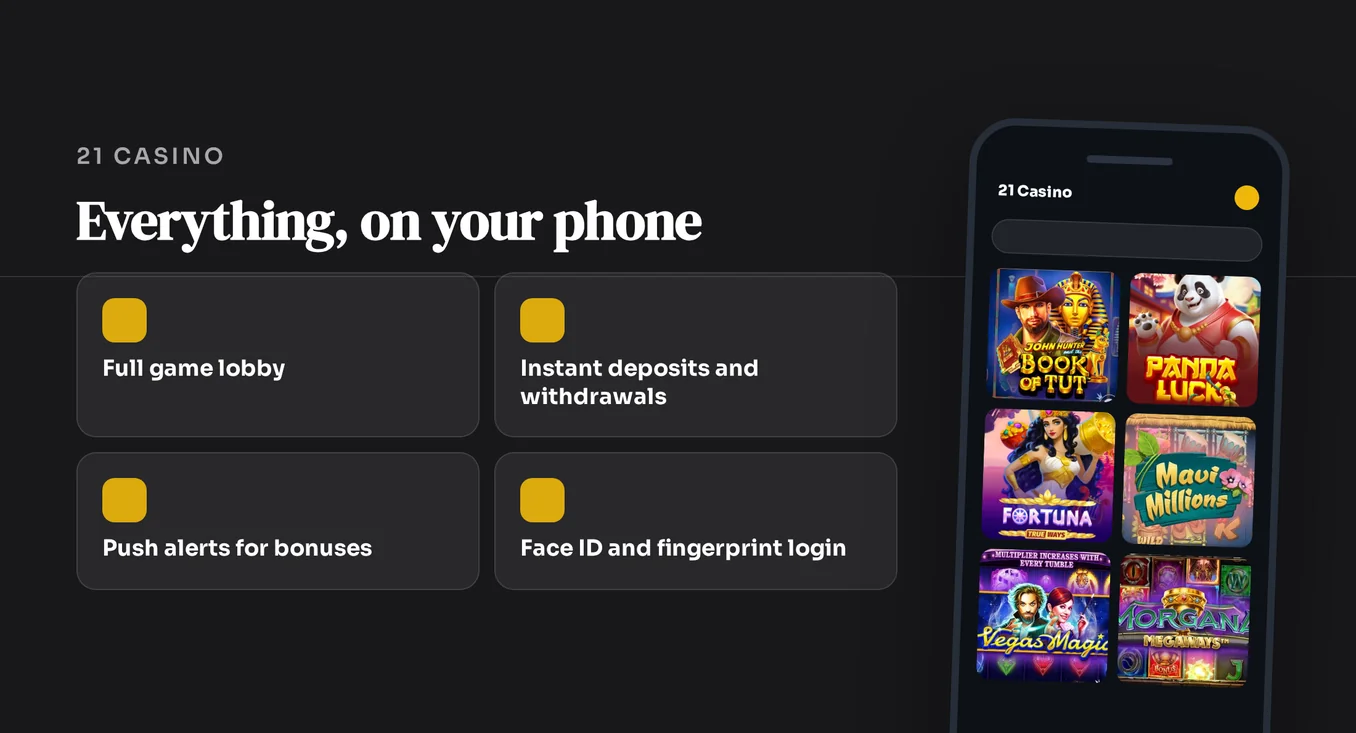
The free spins promotion at 21 Casino is advertised in pounds sterling, and no bonus code is needed.
How to Download the App on Android
21 Casino does not offer an Android app. You won't find it on Google Play or as a downloadable file. Instead, the mobile site functions as a web app you can add to your home screen. Without an app file, there is no app size to consider and no updates to install - the site simply reloads each time you open it.
- Launch the Chrome browser on your Android device and go to the 21 Casino website.
- If a prompt appears, agree to add it to your home screen. Alternatively, tap the three-dot menu in the top corner.
- Select the 'Add to Home screen' option from the menu.
- Review the suggested name, then tap Add to confirm.
- To start playing, tap the new icon you've created to log in.
How to Download the App on iOS
21 Casino has no app for iPhone or iPad and is not listed on the App Store, so there are no store ratings or reviews. You can add the same web app shortcut using Safari on your iOS device.
- Launch Safari and go to the 21 Casino website.
- Tap the Share icon located at the bottom of the Safari window.
- Scroll through the share menu and select 'Add to Home Screen'.
- Verify the shortcut name and tap Add to place it.
- Open the newly created icon to access your account or begin playing.
System Requirements
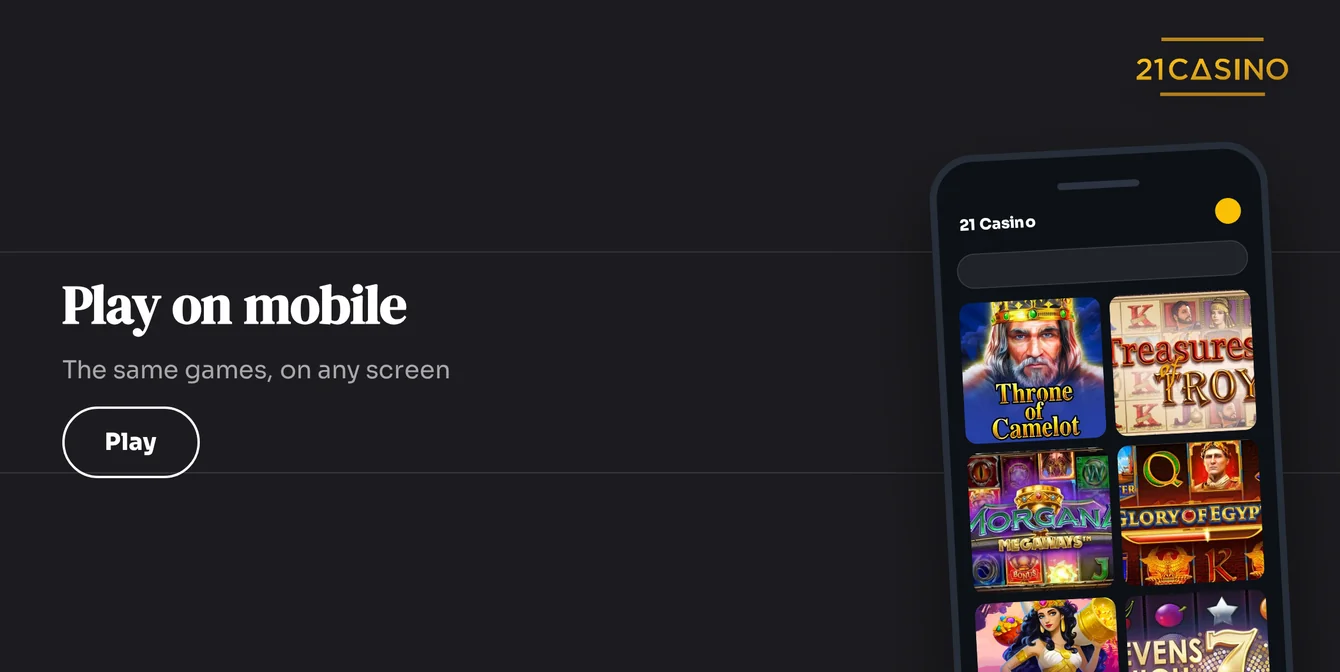
21 Casino operates as a mobile-responsive website. This means no app version is required, no operating system download is needed, and no storage space is taken by an app file. Any smartphone or tablet with a web browser can access it.
| Requirement | Detail |
|---|---|
| Device | Android or iOS smartphone or tablet |
| Browser | Chrome on Android, Safari on iPhone and iPad for the home screen steps |
| App file | None to download |
| Connection | Active internet needed to load slots and live dealer streams |
| Offline play | Not available |
App Features
The mobile site delivers the complete casino experience through a single home screen shortcut. It does not offer features sometimes found in store apps, like fingerprint login or push notifications.
| Feature | 21 Casino Mobile |
|---|---|
| Home screen shortcut | Yes, through the Add to Home Screen prompt |
| Biometric login | No |
| Push notifications | No |
| Live chat and e-mail support | Yes, 24/7 |
| Support languages | English, Finnish, Norwegian, Portuguese, Spanish |
Mobile Games
The mobile site sources games from 18 different software providers, such as:
- Play'n GO
- NetEnt
- Evolution Gaming
- Microgaming
- Pragmatic Play
- Hacksaw Gaming
- Nolimit City
- Big Time Gaming
Slots and live tables load directly in the same browser where you manage your banking.
Slots Section
Game titles confirmed on the site are:
- Book of Dead
- Legacy of Dead
- Rise of Olympus
- Reactoonz
- Starburst
- Honey Rush
Other providers featured are Push Gaming, Red Tiger, Quickspin and Thunderkick.
Live Casino
Evolution Gaming operates the live tables, streaming real-time action to your phone.
- Monopoly Live
- Crazy Time
- XXXtreme Lightning Roulette
- Lightning Roulette
- Live roulette, live blackjack and live poker










Mobile Deposits and Withdrawals
21 Casino shows every payment amount in GBP for players in the UK. Deposits begin at £10 and withdrawals from £20 for the payment options featured.
Deposit Methods
Deposit methods accepted by the casino include:
- Debit Card
- PayPal
- Paysafecard
- Google Pay
- Revolut
- Neteller
- Neosurf
- Bank Transfer (£10 minimum)
Withdrawal Methods
Every withdrawal option features a £20 minimum amount and comes without any charges. New requests are handled within one day, plus additional processing time for cards and bank transfers as required by financial institutions.
| Option | Withdrawal | Fee | Notes |
|---|---|---|---|
| Debit Card | Up to 24 hours + bank clearing | None | Minimum: £20 |
| PayPal | Up to 24 hours | None | Minimum: £20 |
| Neteller | Up to 24 hours | None | Minimum: £20 |
| Bank Transfer | Up to 24 hours + bank clearing | None | Minimum: £20 |
KYC Verification
Verification begins at your first withdrawal, or sooner if your total deposits reach roughly £1,500-£2,000. The casino processes checks in 0-6 hours. Have these documents ready:
- Government-issued photo ID
- Proof of address
- Proof of payment method
- Source-of-funds documents
App vs Mobile Browser
21 Casino provides a single mobile product: the responsive site. A home screen shortcut and a browser tab both access the same casino. The shortcut saves you entering the address, and the browser requires no setup.
| Aspect | App (Home Screen Shortcut) | Browser |
|---|---|---|
| Setup | Add to Home Screen once | None |
| Launch | One tap on the icon | Bookmark or typed address |
| Store account needed | No | No |
| Biometric login | No | No |
| Push notifications | No | No |
| Offline play | No | No |
The browser is better on a shared or borrowed phone, as nothing remains on the home screen.
Responsible Gambling
21 Casino supplies tools to manage your play from any device:
- Deposit limits
- Self-exclusion
- Cool-off and time-out periods
- Reality checks
- Self-assessment test
- GAMSTOP, the UK-wide self-exclusion scheme
If gambling ceases to feel like entertainment, ring the GamCare National Gambling Helpline at 0808 8020 133 or go to gamcare.org.uk for free, confidential support.
FAQ
21 Casino is for players aged 18 or older. Only gamble with money you can afford to lose. Use the deposit limits and time-out tools whenever you need a break.