
21 Casino Login
Access your 21 Casino profile instantly and dive right back into the action.
Top 21 Casino Games




All Games





You can log into your 21 Casino account in less than two minutes by following a few steps. Enter your e-mail and password to sign in; 21 Casino uses e-mail verification instead of regular two-factor authentication. The solutions below help with password issues, locked accounts, verification, and mobile login problems.
How to Log In: Step-by-Step
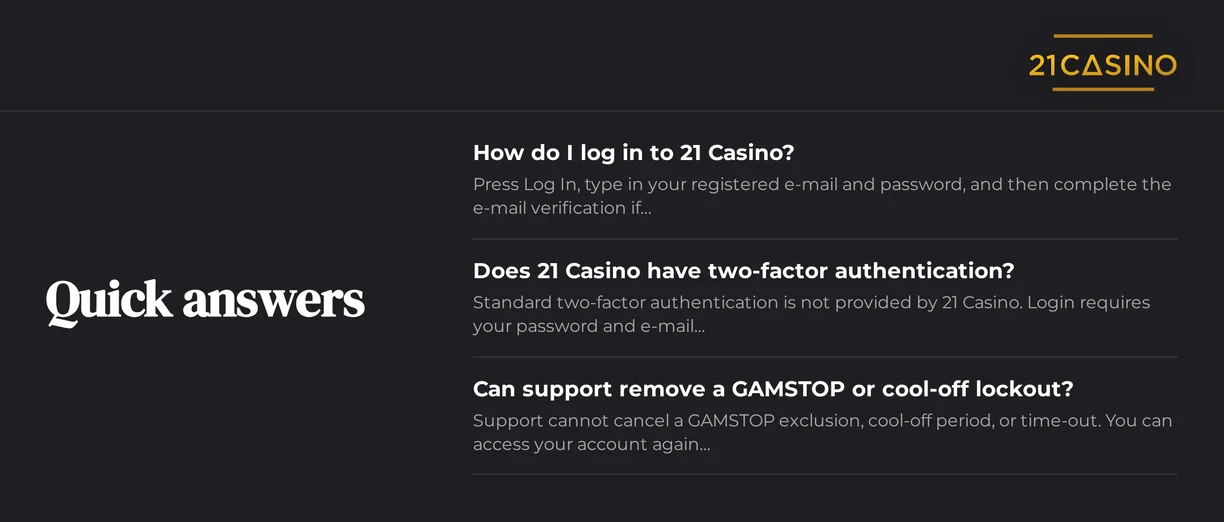
Always use the exact email address you used during registration. 21 Casino does not use typical two-factor authentication. Your access relies on your password and an email confirmation step.
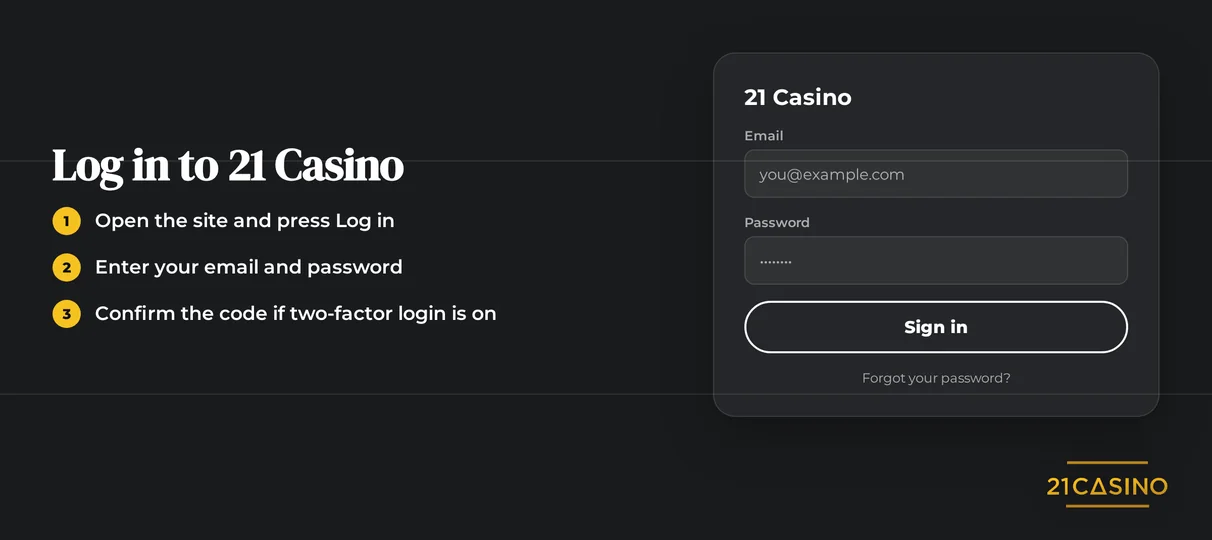
Launch your web browser and go to the 21 Casino website.
Click Log In.
Input the email address and password associated with your account.
Should 21 Casino require email confirmation, locate the message in your inbox. Follow the instructions it contains.
Allow the casino lobby to finish loading.
If you don't receive the confirmation email, take these initial steps:
- Look in your spam folder and any promotions tabs.
- Verify that the email address on your account is correct, with no typing errors.
- Wait several minutes, then ask for a new message to be sent.
- Reach out to live chat if you do not get the e-mail.
Login Problems and Fixes
Failed sign-in attempts at 21 Casino fall into two categories. Some you can resolve yourself, others require support.
| Problem | Likely Cause | Quick Fix |
|---|---|---|
| Wrong password message | Typo or outdated password | Reset your password |
| Account locked | Pending verification, time-out or self-exclusion | Contact support |
| KYC pending | ID or address documents not yet approved | Upload documents and wait for approval |
| VPN or proxy active | Masked connection breaches the terms | Switch the VPN off and reload |
| E-mail confirmation not arriving | Spam filter or wrong address | Check spam, request again |
| Login page loops | Old cookies or cached files | Clear browser data |
If you keep being sent back to the login page, try clearing your browser data:
- First, close all open 21 Casino browser tabs.
- Go to your browser's settings. Delete the cookies and cached files for the 21 Casino site.
- Restart the browser.
- Manually type the 21 Casino web address into your browser. Avoid clicking on links from ads or messages.
- Log in again.
How to Reset Your Password
You can reset your own password. The reset link will be sent to the email on your account. Choose a unique password not used elsewhere.
- On the 21 Casino site, click the Log In button.
- Choose the 'forgot password' link.
- Type in the email address you used to register.
- Find the reset email in your inbox. Look in spam if you don't see it.
- Create a new password and confirm it.
- Sign in using your updated password.
Account Locked or Suspended
Accounts get locked for three reasons. These are pending verification, a cool-off or time-out period, and GAMSTOP self-exclusion. Using a VPN or proxy against the rules can also lead to suspension.
| Situation | Who Acts | When Access Returns |
|---|---|---|
| Verification pending | You upload documents, support reviews | After approval |
| Cool-off or time-out | Nobody | When your chosen period ends |
| GAMSTOP self-exclusion | Nobody | When the exclusion period ends |
| Other suspension | You contact support, support explains the reason | After support review |
Customer support cannot remove a cool-off, time-out, or GAMSTOP exclusion. If gambling is a problem, call the free GamCare helpline at 0808 8020 133. Visit their website at gamcare.org.uk.
Here is how to unlock an account that isn't self-excluded:
- Reach out to live chat or email support. Provide your registered email address.
- The support team will tell you why it was locked.
- Upload any documents they ask for.
- Access is restored once verification is complete.
KYC Verification
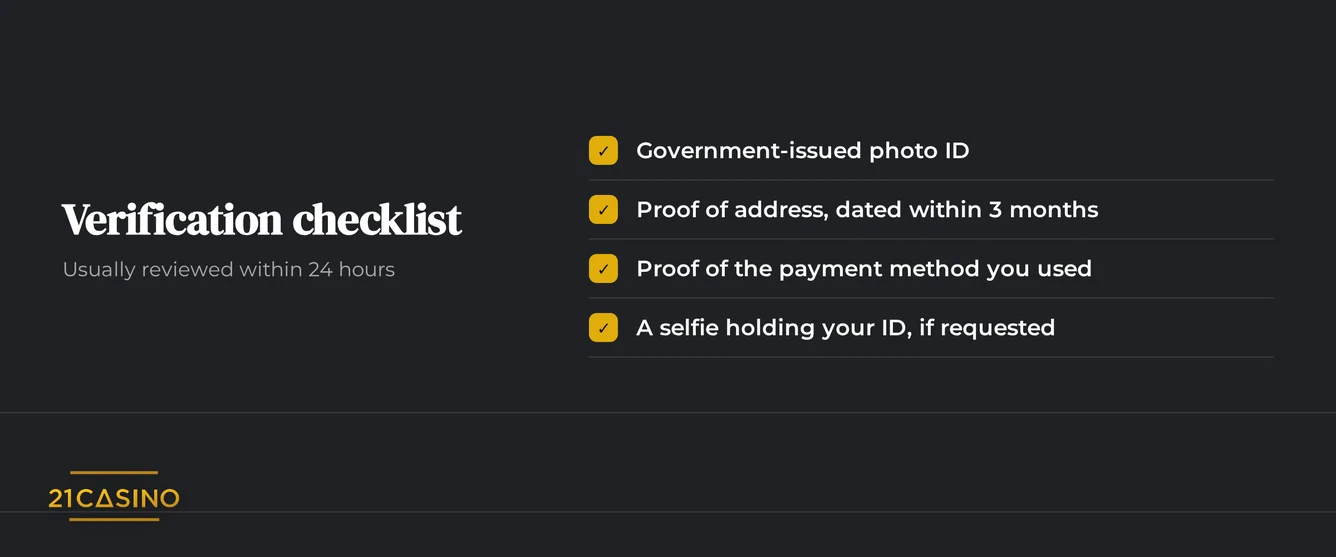
A pending verification can stop you from logging in. Submit your documents for the team to check.
Required documents:
- For ID, use a driving licence, passport, or government ID.
- For address, use a recent utility bill or bank statement.
Send full, clear photos. The name and address must be the same as on your account.
VPN Policy
Using a VPN or proxy breaks 21 Casino's rules. Turn it off before logging in. If login failed, reload the page.
- Make sure your VPN or proxy is disconnected.
- Clear your browser's cookies for the 21 Casino website.
- Log in using your usual internet connection.
- Get in touch with support if logging in still doesn't work.
Logging In via Mobile App
You won't find a 21 Casino app in any app store. Access the site through your phone's browser, which is fully mobile-responsive.
| Feature | Status |
|---|---|
| iOS app | No |
| Android app | No |
| Biometric login | No |
| Push notifications | No |
| Add to Home Screen prompt | Yes |
Here's how to add a shortcut to your phone:
- Visit the 21 Casino site in your mobile browser.
- Tap to accept the 'Add to Home Screen' prompt.
- Launch 21 Casino using the new icon on your screen.
- Type in your email address and your password.
Contact Support
Support runs around the clock through two channels. Include your registered e-mail address and a short description of the problem in your first message.
| Channel | Hours | Languages |
|---|---|---|
| Live chat | 24/7 | English, Finnish, Norwegian, Portuguese, Spanish |
| 24/7 | English, Finnish, Norwegian, Portuguese, Spanish |
FAQ
21 Casino is only for players aged 18 and above. Please gamble responsibly, stick to affordable limits, and stop playing if it's no longer enjoyable.